

How to Optimize Processes with Odoo ERP for Efficiency

 by Uzlifat Mir
Frustration grows when disconnected systems and manual tasks slow your Texas manufacturing operation. Every missed deadline or bottleneck traces back to outdated workflows and unclear processes. Assessing current practices sets the stage for transformative ERP adoption, revealing where technology can bring the most value. By focusing on a true understanding of current workflow pain points, you lay the groundwork for smarter configuration, better integration, and sustainable process improvements with Odoo ERP.
Table of Contents
- Step 1: Assess Current Workflows And Pain Points
- Step 2: Configure ERP Settings For Tailored Solutions
- Step 3: Implement Automation To Streamline Operations
- Step 4: Monitor Performance And Adjust Processes
- Step 5: Conduct Reviews To Verify Sustained Optimization
Quick Summary
| Key Point | Explanation |
|---|---|
| 1. Assess Workflow Pain Points | Identify inefficiencies through detailed assessments of current workflows. |
| 2. Customize ERP Settings | Align Odoo ERP configurations with your business’s unique processes. |
| 3. Implement Intelligent Automation | Automate repetitive tasks to enhance productivity and reduce manual efforts. |
| 4. Monitor System Performance | Use analytics to track performance metrics and identify areas for improvement. |
| 5. Conduct Regular Reviews | Schedule quarterly reviews to ensure sustained optimization of ERP systems. |
Step 1: Assess current workflows and pain points
Understanding your organization’s existing processes is a critical first step in implementing an Odoo ERP solution that truly transforms operational efficiency. By conducting a comprehensive workflow assessment, you can pinpoint specific areas where current workflow management practices create bottlenecks and inefficiencies.
To effectively map your current workflows, start by gathering input from team members across different departments. Schedule individual and group interviews to understand how tasks are currently performed, identifying manual processes, communication gaps, and repetitive activities that consume unnecessary time and resources. Create detailed process maps that document each step of critical business operations like procurement, inventory management, sales, and customer service. Pay special attention to points where information gets stuck, handoffs become complicated, or data needs to be manually re-entered between systems.
During this assessment, categorize pain points into distinct types: operational inefficiencies, communication breakdowns, data inconsistencies, and technological limitations. This systematic approach will help you prioritize improvements and demonstrate clear value potential for ERP implementation. Look for indicators like duplicate data entry, lack of real time reporting, delayed decision making, and inconsistent information across departments.
Professional Tip: Use visual mapping tools and involve cross functional teams to ensure a comprehensive and accurate representation of your current business processes.
Here is a summary of common workflow pain points and their potential impact:
| Pain Point Type | Example Scenario | Impact on Business |
|---|---|---|
| Operational Inefficiency | Manual inventory updates | Increased labor costs |
| Communication Breakdown | Misrouted customer requests | Delayed response times |
| Data Inconsistency | Duplicate data in sales and finance | Poor decision-making |
| Technological Limitation | Legacy software lacks integration | Stalled process improvements |
Step 2: Configure ERP settings for tailored solutions
Configuring Odoo ERP settings requires a strategic approach to align the system precisely with your organization’s unique operational requirements. By carefully customizing your ERP implementation framework, you can create a powerful tool that directly supports your specific business processes and growth objectives.

Begin by conducting a detailed review of each Odoo module relevant to your business functions. This means diving deep into settings for finance, human resources, inventory management, sales, and procurement. For each module, map out your current business rules and workflows, then configure the corresponding Odoo settings to mirror these processes. Pay close attention to user access levels, data fields, reporting requirements, and automation triggers that can streamline your specific operational needs. Consider factors like custom field creation, workflow rules, approval processes, and integration points between different modules.
Remember that configuration is an iterative process. Start with core settings that are most critical to your business operations, and plan for incremental refinements as your team becomes more familiar with the system. Work closely with your implementation partner to ensure that each configuration decision supports your long-term strategic goals and provides maximum flexibility for future business evolution.
Professional Tip: Document all configuration decisions and create a comprehensive configuration guide to ensure consistent system usage and facilitate future training efforts.
Step 3: Implement automation to streamline operations
Implementing intelligent automation across your Odoo ERP system represents a transformative strategy for enhancing operational efficiency and reducing manual workload. By leveraging AI-powered ERP solutions, you can create sophisticated workflows that dramatically improve productivity and accuracy.
Start by identifying repetitive and rule-based tasks within your business processes that are prime candidates for automation. Focus on areas like financial reporting, inventory management, purchase order processing, and customer communication workflows. Configure Odoo’s automation features to establish triggers, rules, and automated actions that can execute complex sequences without human intervention. This might include automatic invoice generation, inventory reorder notifications, approval routing for expense reports, or scheduled data synchronization across different modules.
Carefully design your automation strategy with a measured approach that balances technological capability with human oversight. While automation can significantly reduce manual effort, it requires ongoing monitoring and periodic refinement to ensure alignment with evolving business requirements. Develop clear performance metrics to track the effectiveness of automated processes, and maintain a feedback loop that allows continuous improvement and adjustment of your automation configurations.
Professional Tip: Prioritize automation in processes with high transaction volumes and clear, consistent decision making rules to maximize your return on implementation efforts.
This table outlines key Odoo ERP automation areas and expected business benefits:
| Automation Area | Example Automated Task | Business Benefit |
|---|---|---|
| Financial Reporting | Automatic invoice creation | Reduced manual entry errors |
| Inventory Management | Stock level alerts | Prevents stockouts and overstock |
| Purchase Order Processing | Approval workflow automation | Faster procurement cycles |
| Customer Communication | Scheduled email updates | Improved client engagement |
Step 4: Monitor performance and adjust processes
Tracking and optimizing your Odoo ERP system’s performance is crucial for maintaining operational excellence and ensuring continuous improvement. By implementing robust Application Performance Management strategies, you can proactively identify and address potential inefficiencies before they impact your business operations.
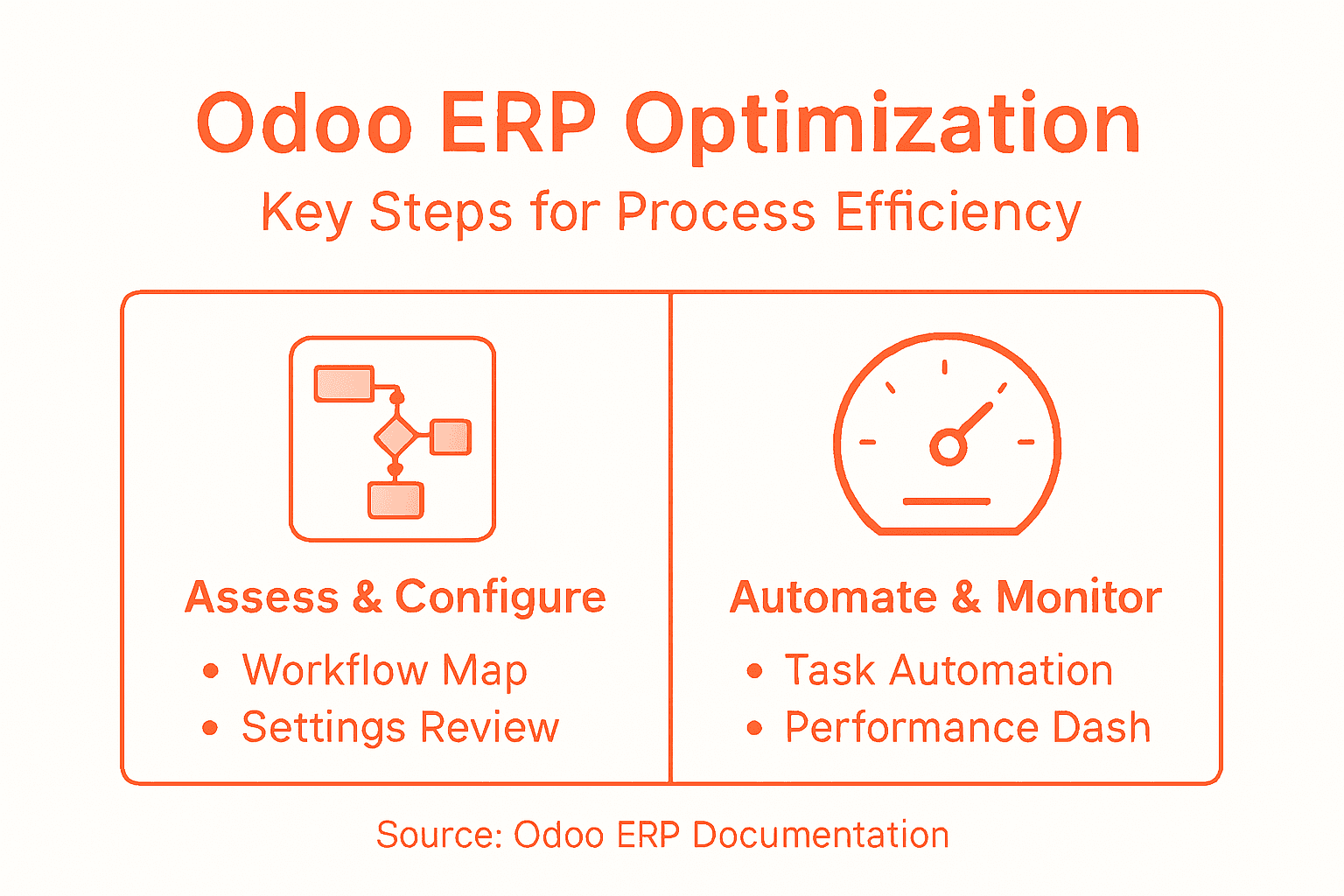
Utilize Odoo’s built-in reporting and analytics tools to establish comprehensive performance dashboards that provide real-time insights into key operational metrics. Focus on critical indicators such as process cycle times, resource utilization, transaction volumes, and system response times across different modules. Regularly schedule performance review meetings where key stakeholders can analyze these metrics, discuss bottlenecks, and collaboratively develop strategies for process optimization. Pay special attention to areas where automated workflows might require manual intervention or where system performance shows inconsistent patterns.
Develop a systematic approach to continuous improvement by creating a feedback mechanism that allows employees to report system challenges or suggest process refinements. This involves not just technical performance monitoring but also gathering qualitative insights from team members who interact with the ERP system daily. Implement periodic system audits that assess both technological performance and alignment with evolving business strategies, ensuring your Odoo ERP remains a dynamic and responsive business tool.
Professional Tip: Create a dedicated performance improvement team responsible for monthly system performance reviews and continuous optimization efforts.
Step 5: Conduct reviews to verify sustained optimization
Verifying sustained optimization requires a comprehensive and strategic approach to reviewing your Odoo ERP system’s performance and alignment with organizational goals. By implementing structured process improvement methodologies, you can ensure continuous enhancement of your operational efficiency and technological capabilities.
Design a systematic review process that encompasses both quantitative performance metrics and qualitative organizational feedback. Schedule quarterly comprehensive reviews that involve cross-functional teams from different departments. During these reviews, analyze detailed performance reports that highlight key indicators such as process efficiency, system response times, user adoption rates, and direct business impact. Compare current performance against initial implementation benchmarks and established key performance indicators. Pay special attention to areas where automated processes might require recalibration or where emerging business needs demand system adaptations.
Establish a formal documentation and tracking mechanism for all review findings and subsequent improvement recommendations. Create a centralized repository that captures insights, tracks implemented changes, and maintains a clear audit trail of system optimization efforts. Develop a governance framework that assigns clear responsibilities for reviewing, approving, and implementing recommended system enhancements. This approach ensures that your Odoo ERP remains a dynamic tool that continuously evolves alongside your business strategy and operational requirements.
Professional Tip: Rotate review team members across departments to bring diverse perspectives and prevent siloed thinking during optimization assessments.
Unlock Process Efficiency with Expert Odoo ERP Implementation
Optimizing processes with Odoo ERP requires more than just software installation. It demands a strategic partner who understands how to navigate operational inefficiencies, communication breakdowns, and technological limitations as outlined in the article. Bista Solutions specializes in tailoring Odoo ERP configurations that directly address these challenges while maximizing automation and continuous performance monitoring. Our proven track record in over 350 successful ERP implementations equips us to transform your workflows into seamless, highly efficient operations.
Request A Free Demo
Take control of your business growth today by partnering with the largest Odoo ERP implementer in North America. Discover how we integrate intelligent automation, customized workflows, and ongoing optimization to deliver measurable efficiency gains for your organization. Reach out to Bista Solutions now and let our experts craft the solution your business deserves. Your path to operational excellence is just a conversation away.
Frequently Asked Questions
How can I assess current workflows before implementing Odoo ERP?
To assess current workflows effectively, gather input from team members across departments through individual and group interviews. Map out existing processes to identify bottlenecks, communication gaps, and repeated tasks, ultimately creating detailed process maps for critical business operations.
What are the key steps to configure Odoo ERP settings for my organization?
Begin by reviewing each relevant Odoo module and mapping out your current business rules. Customize settings for user access levels, data fields, and automation triggers to align the system with your unique operational requirements, starting with the most critical settings.
How can automation improve efficiency within Odoo ERP?
Automation can streamline repetitive tasks and enhance productivity by establishing triggers and automated actions within your workflows. Identify areas that benefit most, like financial reporting or inventory management, and implement automated processes to reduce manual workload, aiming for noticeable efficiency gains within the first few months.
What performance metrics should I monitor in Odoo ERP?
Focus on key performance metrics, including process cycle times, resource utilization, and transaction volumes. Regularly review these metrics to identify inefficiencies and areas for improvement, adjusting your processes as necessary for ongoing optimization and greater operational efficiency.
How often should I conduct reviews to ensure sustained optimization of Odoo ERP?
Schedule quarterly comprehensive reviews that involve cross-functional teams to analyze performance metrics and gather qualitative feedback. Use these regular assessments to track improvements and make necessary adjustments to keep the system aligned with your evolving business needs.
