

Job Shop Manufacturing Using Odoo: Streamline Your Workflow

by Uzlifat Mir
- Mar 10, 2026
- 0
- Category: Odoo Manufacturing
Most American job shop manufacturers spend up to 20 percent of their workweek resolving production bottlenecks and updating manual schedules. For Operations Managers in Texas, these constant hurdles slow down profits and customer satisfaction. Using Odoo ERP, you gain powerful tools to customize workflows, tackle complex scheduling, and build a responsive manufacturing environment designed for efficiency. This guide breaks down the steps that lead to lasting improvements and smarter production control.
Table of Contents
- Step 1: Assess Requirements And Configure Odoo Modules
- Step 2: Define Resources And Map Production Workflows
- Step 3: Set Up Work Centers And Routing In Odoo
- Step 4: Schedule And Track Jobs Through The Shop Floor
- Step 5: Monitor Production, Quality, And Optimize Processes
- Step 6: Verify Outcomes And Refine For Continuous Improvement
Quick Summary
| Key Point | Explanation |
|---|---|
| 1. Assess operational requirements first | Conduct a thorough assessment of your current manufacturing workflow to identify key pain points before configuring Odoo modules. |
| 2. Map resources and workflows clearly | Document resources like machines and skilled workers, and create a visual representation of your production process for improved efficiency. |
| 3. Establish detailed work centers and routing | Define each work center and develop accurate routing sequences to facilitate effective production scheduling and resource utilization. |
| 4. Implement real-time job tracking | Use Odoo’s work order management features to create dynamic production schedules and monitor job status for operational visibility. |
| 5. Optimize through continuous feedback | Regularly review performance metrics and implement a systematic continuous improvement protocol to enhance manufacturing workflows and quality. |
Step 1: Assess requirements and configure Odoo modules
Configuring Odoo modules for job shop manufacturing requires a strategic approach to understanding your specific operational needs and matching them with the right technological solutions. Your goal is to create a customized workflow that enhances productivity and streamlines complex manufacturing processes.
Begin by conducting a comprehensive assessment of your current manufacturing workflow. Identify key pain points such as production tracking, inventory management, resource allocation, and scheduling challenges. Odoo provides flexible module configurations that can be tailored to address these specific manufacturing requirements. Focus on mapping out your current processes and comparing them against Odoo’s modular capabilities to determine the most suitable configuration for your job shop.
Carefully review each potential Odoo module with an eye toward integration and scalability. Manufacturing modules should support critical functions like work order management, bill of materials tracking, and real-time production reporting. Select modules that not only solve immediate challenges but also provide room for future growth and adaptation as your business evolves.
Pro tip: Always run a pilot test with a small subset of your manufacturing workflow before full implementation to validate module performance and identify potential configuration adjustments.
Here’s a quick reference to key Odoo modules for job shop manufacturing:
| Module Name | Primary Purpose | Business Impact |
|---|---|---|
| Manufacturing | Manage work orders, BOM, and routing | Streamlines production control |
| Inventory | Track stock and material flow | Reduces shortages and delays |
| Quality Management | Set up inspection points, QC checks | Ensures consistent quality |
| Maintenance | Schedule equipment upkeep | Minimizes downtime risk |
| Accounting | Track costs, resource allocation | Supports financial oversight |
Step 2: Define resources and map production workflows
Defining resources and mapping production workflows is a critical step in optimizing your job shop manufacturing process using Odoo. Your objective is to create a comprehensive blueprint that accurately represents how materials, labor, and equipment interact throughout your production cycle.
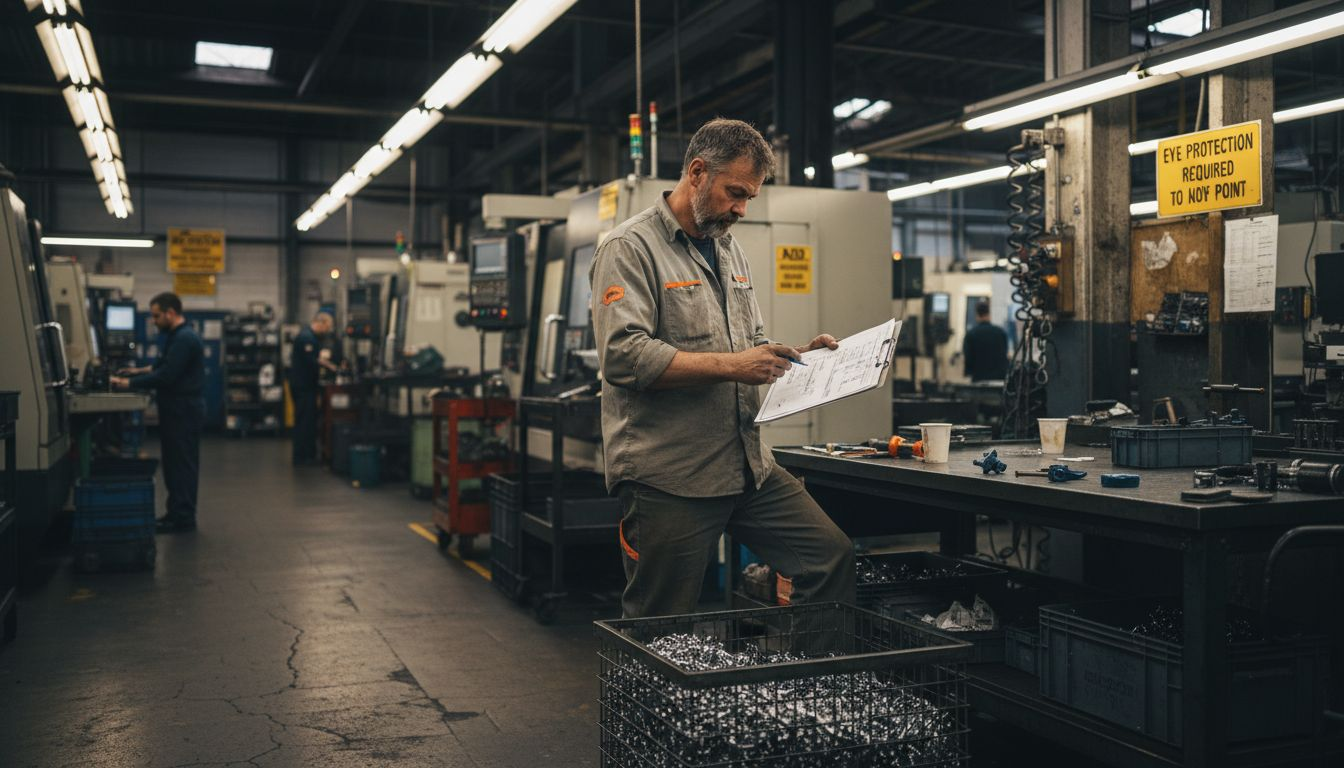
Start by conducting a detailed inventory of all manufacturing resources. This includes machines, skilled workers, raw materials, and production capacities. Odoo accounting features can help you track resource allocation and financial implications. Carefully document each resource’s capabilities, limitations, and current utilization rates. Develop a clear matrix that outlines how different resources connect and contribute to your overall manufacturing workflow.
Next, create a visual workflow map that illustrates the sequence of operations from initial order receipt to final product delivery. Break down each production stage into granular steps, identifying potential bottlenecks and opportunities for efficiency improvements. Pay special attention to interdependencies between resources and potential constraints that might impact production speed or quality. Use Odoo’s modular configuration to create a dynamic workflow that can adapt to changing manufacturing requirements and customer demands.
Pro tip: Leverage Odoo’s real-time reporting tools to continuously monitor resource performance and identify optimization opportunities throughout your production workflow.
Step 3: Set up work centers and routing in Odoo
Configuring work centers and routing in Odoo is a critical step for job shop manufacturers to create precise and efficient production workflows. Your goal is to establish a comprehensive mapping of production processes that accurately represents how each manufacturing task moves through your facility.
Begin by creating detailed work center definitions within Odoo. Each work center should represent a specific physical location or resource group in your manufacturing process, such as machining stations, assembly lines, or quality control areas. Production planning modules can help you precisely track the capabilities and capacities of each work center. Include critical information like machine specifications, hourly capacity, efficiency rates, and alternative routing options to ensure maximum flexibility in your manufacturing workflow.
Next, develop detailed routing sequences that illustrate the exact path each production order will follow through your work centers. Map out each operational step with precision, documenting the sequence of operations, estimated time requirements, and specific resource allocations. This routing configuration allows Odoo to generate accurate production schedules, track work order progress, and optimize resource utilization across your job shop manufacturing environment.
Pro tip: Create template routings for your most common product types to accelerate future production planning and reduce manual configuration time.
Step 4: Schedule and track jobs through the shop floor
Scheduling and tracking jobs through the shop floor requires a systematic approach that leverages Odoo’s advanced manufacturing capabilities. Your primary objective is to create a dynamic and responsive production management system that provides real-time visibility into your manufacturing processes.
Utilize Odoo’s work order management features to create detailed production schedules that align with your established work centers and routing configurations. Electronic repair workflows demonstrate how precise job tracking can optimize manufacturing efficiency. Input each job’s specific requirements, including production order details, required resources, estimated time frames, and priority levels. Configure the system to generate automatic work orders that route through predefined work centers, enabling seamless tracking of each job’s progression from initial order to final completion.
Implement real-time monitoring tools within Odoo to track job status and performance metrics. Set up dashboards that provide immediate insights into production progress, identifying potential bottlenecks or delays before they impact overall manufacturing timelines. Configure alerts and notifications that keep your team informed about job status changes, resource availability, and critical production milestones. This approach transforms your shop floor management from reactive to proactive, ensuring optimal resource utilization and consistent production performance.
Pro tip: Regularly calibrate your job scheduling parameters based on actual performance data to continuously improve your manufacturing workflow accuracy.
Step 5: Monitor production, quality, and optimize processes
Monitoring production, quality, and optimizing processes is the critical final stage in creating a robust job shop manufacturing workflow using Odoo. Your goal is to transform raw production data into actionable insights that drive continuous improvement and operational excellence.
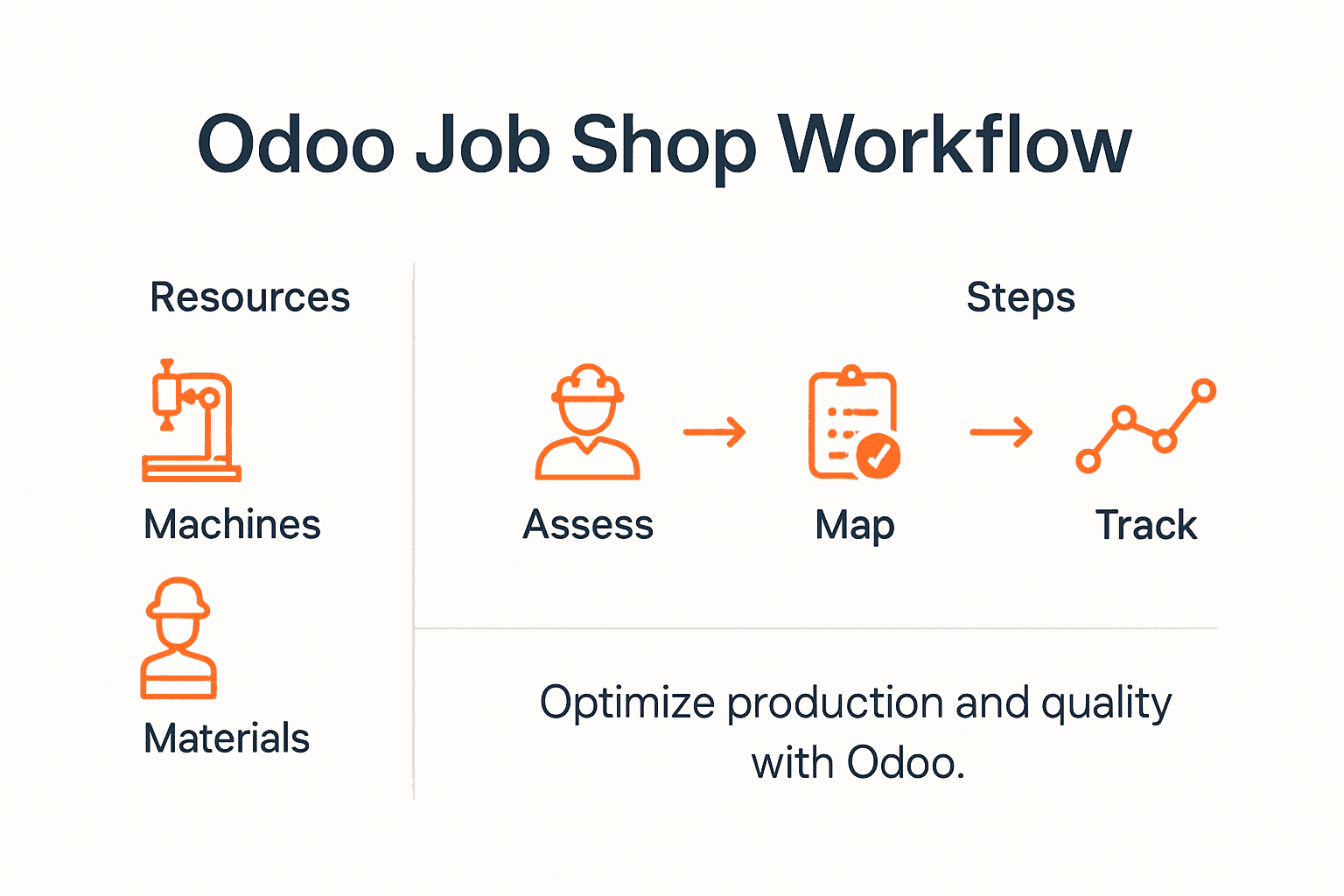
Manufacturing execution systems provide the foundation for comprehensive production monitoring. Leverage Odoo’s built-in analytics and reporting tools to track key performance indicators such as production efficiency, cycle times, resource utilization, and quality metrics. Set up custom dashboards that provide real-time visibility into your manufacturing operations, enabling you to quickly identify potential bottlenecks, performance variations, and opportunities for process optimization.
Implement a systematic approach to quality management by configuring detailed quality control checkpoints throughout your production workflow. Use Odoo’s quality management modules to create standardized inspection processes, track nonconformance issues, and generate comprehensive quality reports. Establish continuous improvement protocols that use performance data to drive incremental enhancements in your manufacturing processes, ensuring consistent product quality and operational efficiency.
Pro tip: Create automated alerts for critical quality and performance metrics to enable immediate intervention and proactive problem-solving.
Step 6: Verify outcomes and refine for continuous improvement
Verifying outcomes and refining manufacturing processes represents the critical final stage of your Odoo implementation journey. Your objective is to transform performance data into strategic insights that drive ongoing operational excellence and competitive advantage.
Conduct systematic performance reviews using Odoo’s comprehensive analytics tools to compare actual production results against initial benchmarks and projected outcomes. Lean manufacturing techniques provide a structured framework for identifying improvement opportunities. Analyze key performance indicators, including production efficiency, quality metrics, resource utilization, and cycle times. Create a detailed feedback loop that captures granular performance data, enabling precise process adjustments and incremental optimization.
Develop a structured continuous improvement protocol within your Odoo environment. Establish regular review meetings where cross-functional teams analyze performance reports, discuss identified inefficiencies, and collaboratively design targeted improvement strategies. Configure custom reporting dashboards that highlight critical performance variations, enabling proactive decision-making and rapid response to emerging operational challenges. This systematic approach transforms your manufacturing workflow from a static process to a dynamic, self-evolving system.
Pro tip: Implement quarterly process review cycles to ensure your manufacturing workflows remain adaptive and aligned with evolving business objectives.
The following table summarizes the steps of an Odoo-driven job shop workflow and their main optimization goals:
| Implementation Step | Main Focus | Optimization Goal |
|---|---|---|
| Assess & configure modules | Align tech with workflow | Solve process bottlenecks |
| Map resources and workflows | Document assets and flows | Improve resource efficiency |
| Set up work centers & routing | Define production sequence | Enable accurate scheduling |
| Schedule & track jobs | Real-time job management | Boost throughput visibility |
| Monitor production & quality | Analyze KPIs and quality | Support continuous improvement |
| Verify & refine for continuous improvement | Review KPIs and feedback | Drive ongoing optimization |
Transform Your Job Shop Manufacturing with Expert Odoo Solutions
Struggling to streamline your job shop manufacturing workflow? This article highlights key challenges like configuring Odoo modules, mapping resources, setting up work centers, and ensuring real-time production tracking. You need a trusted partner who understands these intricacies and can deliver tailored, scalable ERP solutions that align perfectly with your operational goals. Whether it is optimizing your production scheduling or enhancing quality control, the right Odoo implementation can turn your manufacturing bottlenecks into competitive advantages.
Schedule A Free Demo
Bista Solutions, recognized as the leading Odoo Gold Partner in North America, specializes in crafting customized ERP workflows that empower job shop manufacturers. With over 350 successful ERP rollouts and a dedicated team of experts, we provide end-to-end support designed to increase efficiency, improve resource utilization, and foster continuous improvement. Don’t wait to evolve your manufacturing process. Contact us today to start your transformation journey by visiting Contact Us. Explore how our Odoo modules and production planning solutions fit your unique needs and drive lasting success.
Frequently Asked Questions
How can I assess my requirements for job shop manufacturing using Odoo?
To assess your requirements effectively, conduct a comprehensive review of your current manufacturing workflow. Identify pain points in production tracking, inventory management, and scheduling, then map these against Odoo’s modules to pinpoint the best fit for your needs.
What steps should I take to define resources and map production workflows in Odoo?
Start by taking a detailed inventory of your manufacturing resources, including machines and labor. Next, create a visual workflow map that illustrates the production cycle, ensuring to document each stage and potential bottlenecks for better efficiency.
How do I set up work centers and routing in Odoo for my job shop?
Configure work centers in Odoo to represent specific locations or resources in your facility, detailing their capabilities and capacities. Then, develop routing sequences that outline the exact steps each production order will take, optimizing scheduling and transparency throughout your production.
What is the best way to schedule and track jobs through the shop floor in Odoo?
Utilize Odoo’s work order management features to create detailed schedules for production orders. Implement real-time monitoring tools to track job status and adjust scheduling parameters based on actual performance data to ensure optimal efficiency.
How can I monitor production quality and optimize processes using Odoo?
Leverage Odoo’s analytics and reporting tools to track key performance indicators such as production efficiency and quality metrics. Set up quality control checkpoints and regular review meetings to identify improvement opportunities and ensure consistent product quality.
What should I include in my continuous improvement protocol with Odoo?
Develop a systematic approach by establishing regular performance review meetings to analyze production data and discuss inefficiencies. Configure custom reporting dashboards to monitor vital metrics, enabling your team to proactively address operational challenges and make necessary adjustments.
